Contents
What are 3x3 Schulte Tables with Shuffled Numbers?
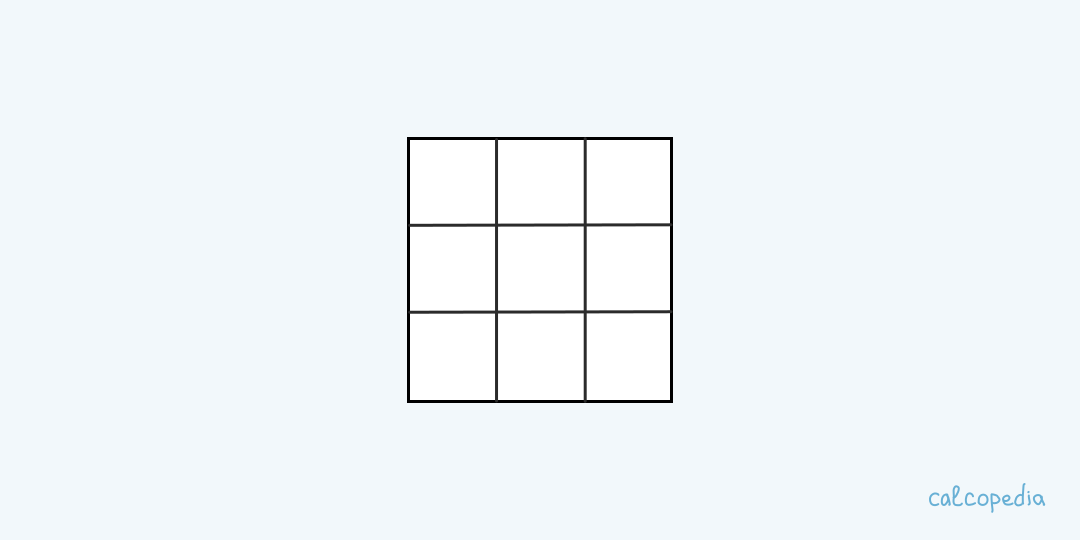
The 3x3 Schulte table is a simple yet powerful tool designed to enhance one's concentration, memory, and reading speed. This table consists of a 3x3 grid filled with numbers from 1 to 9 in a randomized order.
The primary objective of the exercise is to locate and read the numbers sequentially, starting from 1 to 9, as quickly as possible. This trains the brain to quickly process visual information and sharpens focus.
Time taken (T) = End time (E) - Start time (S)
Where 'T' is the total time spent on completing the exercise.
Using the 3x3 Schulte Tables Training
On our website, training with the 3x3 Schulte tables has been made user-friendly and highly effective. Here's a step-by-step guide to get you started:
1. Navigate to the Schulte Tables training section.
2. Select the 3x3 table option from the available choices.
3. Start the timer and begin locating the numbers in sequence.
4. Once you have identified all the numbers in order, stop the timer and note your speed.
5. Practice regularly and track your progress over time.
6. Challenge yourself by trying larger tables or setting time constraints.
7. Share your progress and compete with friends for an added layer of motivation.
3x3 Schulte Table Training Scenarios
Here are some humorous and relatable scenarios where Schulte table training comes into play:
1. Imagine being in a 'Spot the Difference' contest and the pressure is on. Your Schulte table training kicks in, and voilà, you emerge as the undisputed champion.
2. On a date night, your partner challenges you to a quick game of "Find the Number" on a napkin. Little do they know, you've been mastering the Schulte tables. Cue dramatic victory music!
3. At a family gathering, your young nephew tries to stump you with a shuffled 3x3 number grid. You breeze through it, and he looks at you with newfound awe, whispering, "Are you a wizard?"
Nuances of 3x3 Schulte Table Training on Our Site
Every training tool has its quirks. Here are some nuances to be aware of when practicing with our 3x3 Schulte tables:
1. Ensure a calm environment: Distractions can skew results.
2. Consistency is key: Regular practice yields better results.
3. Use a desktop/larger screen for a better experience.
4. Don't rush: Accuracy over speed, especially in the beginning.
5. Use the site's progress tracking feature to monitor improvements.
6. Customize table colors/themes for a personalized experience.
7. Adjust table complexity as per your comfort level.
8. Engage in other complementary exercises on the site for holistic development.
9. Always remember to take breaks and rest your eyes.
10. Participate in community challenges for a fun twist.
Frequently Asked Questions
What`s the purpose of 3x3 Schulte tables?
The main goal is to enhance concentration, memory, and reading speed by locating numbers in sequence.
How often should I train with Schulte tables?
For optimal results, train regularly, preferably daily for short durations.
Can I adjust the table`s complexity?
Yes, on our site, you can select different table sizes based on your comfort level.
Is this training suitable for children?
Absolutely! Kids can greatly benefit from the concentration and cognitive boosts the tables offer.
How long does it take to see improvements?
With consistent practice, users typically notice improvements within a few weeks.
Similar calculators
You may find the following calculators on the same topic useful:
- Schulte Tables 4x4 Trainer. Identify numbers sequentially from 1 to 16 in a table where they're mixed up. Sharpen your brain's ability to recognize patterns swiftly.
- Schulte Tables 5x5 Trainer. Locate numbers in order from 1 to 25 in a table where they're randomly positioned. Hone your brain's precision and speed in pattern recognition.
- Schulte Tables 6x6 Trainer. Pinpoint numbers sequentially from 1 to 36 in a grid where they're dispersed randomly. Refine your brain's agility and efficiency in spotting sequences.
- Schulte Tables 7x7 Trainer. Track numbers in sequence from 1 to 49 in a grid where they're scattered. Enhance your brain's proficiency and accuracy in recognizing patterns.
- Division Table Trainer. Practice and memorize division online. Set the range of divisors, and the trainer will create exercises.
- Text Word Count Calculator. Easily determine the total and unique word count in your texts for more effective writing and editing.
- Text Sentence Count Calculator. Quickly find out the total number of sentences in your text to enhance your writing's readability and structure.
- Text Paragraph Count Calculator. Efficiently determine the total number of paragraphs in your text to improve its structure and clarity.
- Comprehensive Text Analysis Calculator. Get a complete breakdown of your text's characters, words, sentences, paragraphs, and estimated reading and speaking times for thorough editing and analysis.
- Leap Year Calculator. Enter a positive whole-number year to check whether it is leap or common and see its total number of days.
Share on social media
If you liked it, please share the calculator on your social media platforms. It`s easy for you and beneficial for the project`s promotion. Thank you!