Contents
How the online drums work
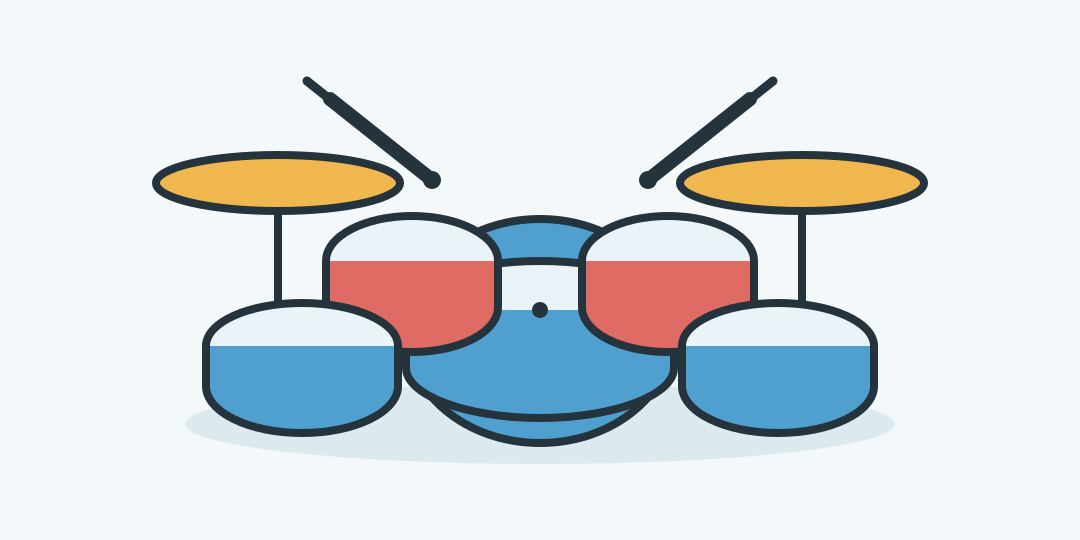
Nine playable zones trigger drum sounds synthesized inside the browser. Use the pictured kit, switch to the pad grid, or play the same layout with QWE, ASD and ZXC.
Build a beat from the bottom row
Start with Z for the kick and X for the snare. Alternate them slowly, then add A for the closed hi-hat. The letters refer to physical key positions, so they remain in a three-by-three pattern even when your keyboard uses another language.
Open the settings with the slider icon. The tempo runs from 40 to 240 BPM. The hold controls decide how often a sound repeats while a pad or key stays pressed: at 120 BPM an eighth-note repeat fires every 250 milliseconds.
Three rhythms to try
Basic rock pulse: play kick Z on counts 1 and 3, snare X on 2 and 4, and tap closed hi-hat A twice per count. The result is a steady backbeat that leaves the kick and snare easy to hear.
Two hits and a clap: switch to Pads, then play Z, Z, C with equal gaps. C becomes a clap in this view, so the phrase ends with a dry hand-clap sound instead of the kit view's floor tom.
Three-count pattern: count 1-2-3 repeatedly. Put kick Z on 1 and ride W on 2 and 3. This produces a simple waltz-like pulse and helps you feel a meter other than four beats.
Kit view and pad view share one keyboard
Both views keep the same eight core sounds and key positions. Only the C pad changes: it is the floor tom on the acoustic kit and a clap in the electronic grid. Light and dark themes change the surface, not the sound.
Latency depends on the device
The sounds are generated with Web Audio and pass through a compressor, so no sample pack has to download. A wired keyboard or direct screen touch usually feels tighter than Bluetooth headphones, which can add audible delay.
This is a playing surface, not a recorder or sequencer. It does not save performances, accept MIDI, or vary volume by touch force. Some computer keyboards also miss crowded key combinations; use the on-screen pads if a three-key chord drops a hit.
Questions about the online drums
The most useful details concern sound, controls and safe use on a touchscreen.
How many drum sounds are available?
There are nine playable zones. Pad view replaces the floor tom with a clap, while the other eight sounds stay in place.
Why is there no sound at first?
Tap or click a pad once so the browser can start audio, then check device volume, silent mode and the tab's mute setting.
Can I hold a pad for repeated hits?
Yes. Choose a repeat division in settings, then hold a screen pad or keyboard key.
Can I record or download a beat?
No. This version is a live instrument and does not record, export audio or store patterns.
Can I use drumsticks on the screen?
No. Use fingers on a touchscreen; drumsticks can scratch or crack the display.
Similar calculators
You may find the following calculators on the same topic useful:
- Online timer with sound. Set any everyday interval and follow a clear countdown that can be paused, resumed or reset.
- Date calculator. Choose a start date and calendar interval to find the resulting date and weekday.
- Audiobook speed calculator. Enter the book length, position reached, playback speed, and daily listening time to plan the rest.
- TV series watch time calculator. Enter the episode count, runtime, playback speed and daily viewing time to plan the whole series.
- BPM to milliseconds calculator. Choose a tempo, note value and rhythm to get the interval for your effect.
- Calculator for Counting Days Between Dates. Calculate the number of days between two selected dates using our online calculator.
- Age Calculator. Provide your birthdate and discover your age.
- Dog Age Calculator. Determine your dog's age in approximate human years.
- Cat Age Calculator. Convert your cat's age to human years online with a degree of approximation.
- Shoe Size Calculator. Measure the length of your foot to determine your shoe size using the Russian or international system.
Share on social media
If you liked it, please share the calculator on your social media platforms. It`s easy for you and beneficial for the project`s promotion. Thank you!