Contents
See how tightly the screen packs its pixels
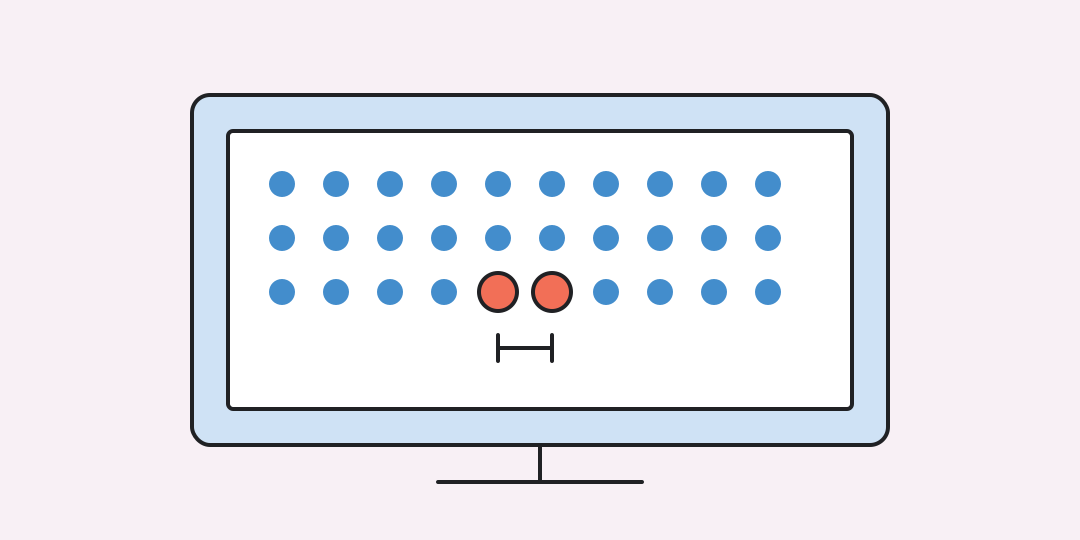
Pixel density connects resolution with physical size. Enter the native width, height, and visible diagonal to calculate pixels per inch, pixel pitch, and the panel's active dimensions.
From two pixel counts to PPI
The resolution forms a right triangle in pixel units. Its diagonal is divided by the physical diagonal in inches.
W and H are horizontal and vertical pixels; D is the active diagonal in inches. Pixel pitch equals millimetres.
The same pixels can sit much closer together
24-inch Full HD. 1920 × 1080 gives 91.79 PPI, a 0.2767 mm pitch, and an active area of about 53.13 × 29.89 cm.
27-inch QHD. 2560 × 1440 gives 108.79 PPI and a 0.2335 mm pitch. More pixels occupy a slightly larger panel.
27-inch 4K. 3840 × 2160 reaches 163.18 PPI and a 0.1557 mm pitch, so fine details are packed more tightly than on the QHD panel.
55-inch 4K TV. The same 4K resolution spreads over a much larger panel and falls to about 80.11 PPI. Normal viewing distance is also much longer.
PPI is physical; perceived sharpness is contextual
Use the panel's native resolution and visible image diagonal. The formula assumes square pixels. Bezels and the outer case are not part of the measured screen.
Operating-system scaling makes interface elements larger or smaller but does not change the panel's PPI. Viewing distance, eyesight, antialiasing, and subpixel layout also affect how sharp the image appears.
Questions about pixel density
These distinctions prevent resolution, scaling, and print terminology from being mixed together.
What does PPI mean?
PPI means pixels per inch. It counts how many screen pixels fit along one physical inch.
Is a higher PPI always better?
Higher PPI can show finer detail, but viewing distance, scaling, performance, and content also matter.
Is PPI the same as DPI?
PPI describes pixels on a display. DPI usually describes printed dots or a printer's output.
Does display scaling change PPI?
No. Scaling changes the software size of text and controls, not the panel's physical pixels.
Which diagonal should I enter?
Use the diagonal of the active image area, measured corner to corner, without the bezel.
Similar calculators
You may find the following calculators on the same topic useful:
- HEX, RGB and HSL color converter. Enter a color, choose its format and get an equivalent code in another notation.
- Visual HTML Editor. Edit HTML code for free and online, and instantly see the visual appearance of text and page in the preview mode (WYSIWYG).
- Password Generator. Create a complex and secure password for free using an online generator with 8, 10, 12, or more random characters.
- Character Counter: Online Calculator. Count the number of characters in a text, including or excluding spaces.
- Random Number Generator: Generating Random Numbers. Obtain random numbers for various needs, especially for giveaways and online lotteries on social networks.
- File transfer time calculator. Enter the file size, transfer speed, and usable share of that speed to estimate the duration and compare it with the ideal minimum.
- Data size converter. Enter a known data size and convert it between bits, bytes, decimal prefixes, and IEC binary prefixes.
- Battery runtime calculator. Enter battery details and average load to estimate operating time or the capacity needed for a target duration.
- Printer cost per page calculator. Enter cartridge price and yield, paper price, and page count to see the unit cost and total.
- Churn rate calculator. Choose customers or recurring revenue and enter three values for the same period.
Share on social media
If you liked it, please share the calculator on your social media platforms. It`s easy for you and beneficial for the project`s promotion. Thank you!