Contents
Find the time that actually passed
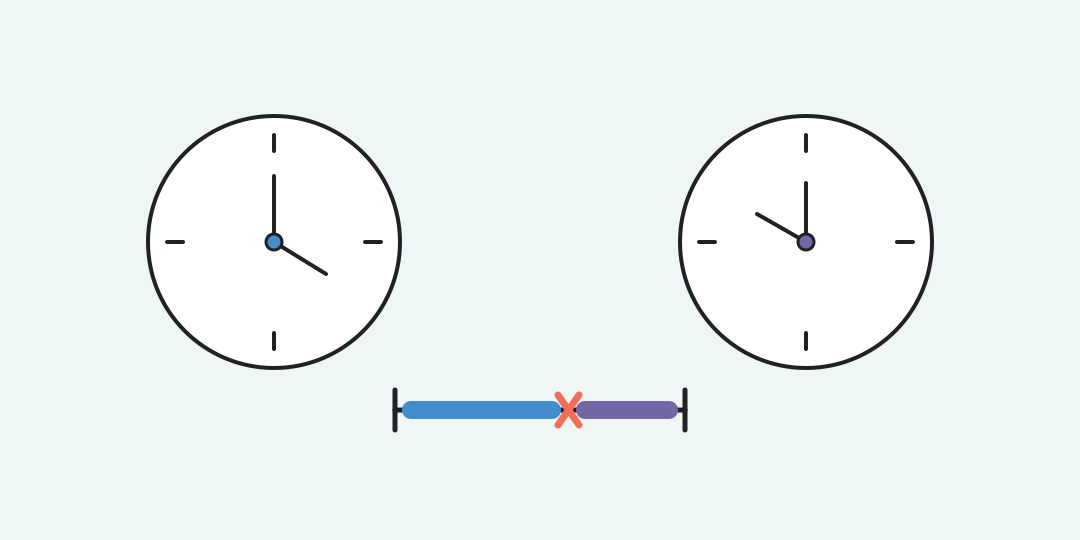
The calculator measures the time from a start to an end, subtracts an optional break, and adds several independent intervals when one stretch is not enough.
How the calculation handles the clock
Each clock reading is first converted to minutes after midnight. The calculator subtracts the start from the end, adds 1,440 minutes only when you choose the next day, then removes the break.
Here s and e are the start and end in minutes, d is 1 for a next-day end and 0 for the same day, and b is the break. The main answer stays in hours and minutes. Decimal hours appear below it for timesheets or multiplication.
Choose the end day explicitly. The entry 18:00 to 09:00 is invalid on the same day, but it is a 15-hour interval when the end is on the next day. This avoids silently turning a typo into an overnight session.
Three useful checks
A normal daytime interval
Enter 09:15 and 17:45, keep “Same day,” and leave the break at zero. The result is 8 h 30 min, or 8.5 decimal hours. This fits a meeting, rental, or work session with no separate pause.
A day with lunch removed
Enter 08:30 to 17:15 and a 45-minute break. The clock span is 8 h 45 min, while the net duration is exactly 8 h. Keeping both readings prevents the break from disappearing into the total.
An overnight interval
Enter 22:30 to 06:15, choose “Next day,” and subtract 30 minutes. The gross span is 7 h 45 min and the net result is 7 h 15 min. Without the next-day choice, the calculator asks you to correct the interval.
You can also add 08:30-12:00 and 12:45-17:00 as two rows. With a 15-minute break in the second row, their combined net duration is 7 h 30 min.
What this result does not decide
Intervals are added independently. If one row runs from 09:00 to 12:00 and another from 11:00 to 13:00, the shared hour is counted twice. Merge overlapping rows yourself when you want unique elapsed time.
The inputs use whole minutes and every day is treated as 24 hours. Seconds, time zones, and daylight-saving changes need full timestamps and a time-zone-aware tool. The calculator also does not apply overtime rules, pay rates, or a company’s rounding policy.
Identical readings have two meanings: 00:00 to 00:00 on the same day is zero minutes, while the same readings with “Next day” represent a full 24 hours. The selected day, not the digits alone, determines the answer.
Questions about elapsed time
These answers cover the ambiguous cases that a pair of clock readings cannot resolve by itself.
Why is an end earlier than the start an error?
On the same day it would create a negative duration. Choose the next day when the interval really crosses midnight.
Can the answer exceed 24 hours?
Yes. From 08:00 today to 17:00 the next day is 33 hours because the next-day choice adds a full day before subtracting the start.
May the break equal the whole interval?
Yes. The net duration then becomes zero. A longer break is rejected because it would make the net time negative.
Does the calculator remove overlapping time?
No. Every row is summed independently, so overlapping minutes are counted in each row.
How do I read 8.25 decimal hours?
The fraction 0.25 is one quarter of an hour, so 8.25 hours equals 8 hours 15 minutes, not 8 hours 25 minutes.
Are daylight-saving changes included?
No. The calculation assumes a 24-hour day. Use full dates, times, and a time zone when clocks move forward or back.
Similar calculators
You may find the following calculators on the same topic useful:
- Fraction addition calculator. Enter two fractions, choose an operation and get an exact reduced answer.
- Divisors of a number calculator. Enter a positive whole number to see how many divisors it has, then open the complete list.
- Mean absolute deviation calculator. Enter numbers to see how far they lie from their arithmetic mean on average.
- Median absolute deviation calculator. Enter numbers to find the typical distance from their median.
- Fraction to decimal calculator. Enter a numerator and denominator to see the decimal value; add a whole part if needed.
- Coefficient of variation calculator. Enter a list of numbers to see their relative spread as a percentage.
- Variance calculator. Paste numbers, choose a data type, and see how far the values spread around their mean.
- Percentile and percentile rank calculator. Enter numbers, then choose a percentile or compare one value with the list.
- Bayes theorem calculator. Use the event rate, signal sensitivity and false-alarm rate to update the probability after a signal.
- Sample size calculator. Choose your precision and confidence level to estimate how many usable answers to collect.
Share on social media
If you liked it, please share the calculator on your social media platforms. It`s easy for you and beneficial for the project`s promotion. Thank you!